
Navigation
To open the pricing reporting view:
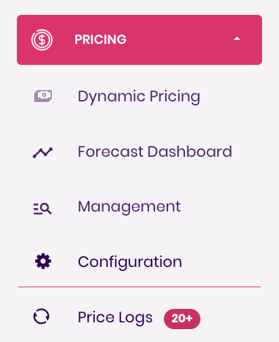
- Go to the Pricing dropdown in the left-side navigation panel.
- Select Configuration— this opens the configuration tab.
Configuration
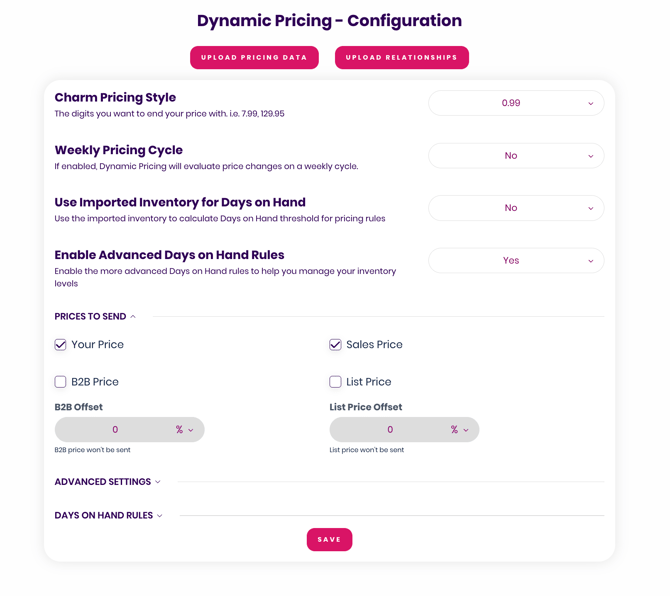
Charm Pricing
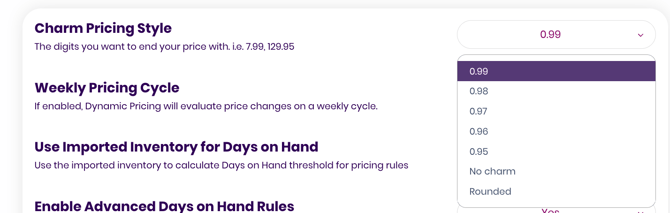
Charm pricing allows you to control the last digit of the final price Trellis sends to Amazon.
You can choose to have prices always end in:
- .09
- .08
- .07
- .06
- .05
Alternatively, you can disable charm pricing entirely.
When disabled, Trellis will push the system-generated price without adjusting the last digit.
Weekly Pricing Cycle
This option is ideal for brands whose demand fluctuates significantly throughout the week.
When enabled, Trellis will adjust pricing cadence according to weekly demand patterns.
Use Imported Inventory for Days on Hand
If you manually upload your inventory into Trellis and want the system to use your uploaded inventory values instead of FBA data from Amazon, enable this setting.
This is useful when:
- Amazon’s reported inventory is lagging
- You operate outside FBA
- You prefer internal inventory as the source of truth
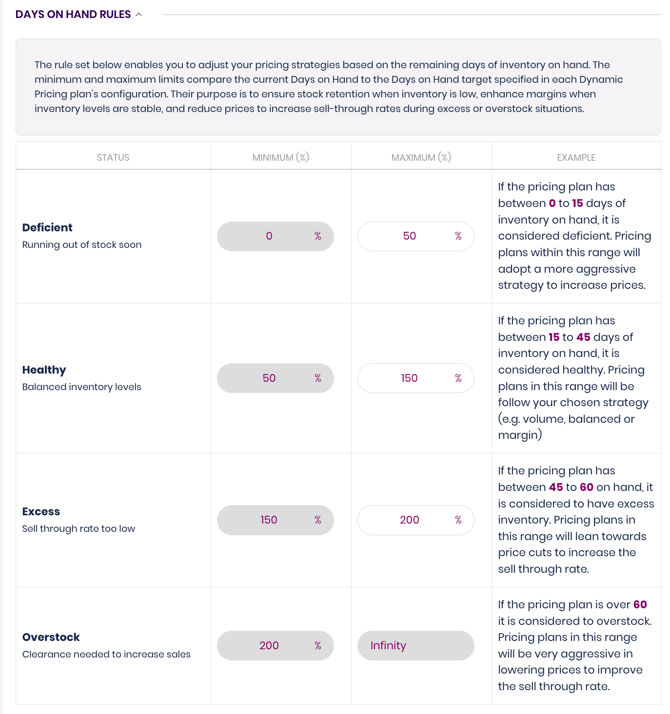
Enable Advanced Days-on-Hand Rules
Turn this on if you want to manually customize your days-on-hand logic.
When enabled, you can define:
- Custom days-on-hand buckets
- How pricing should respond as inventory moves between those buckets
This gives you full control over how aggressively Trellis increases or decreases price based on inventory position.
For a full walkthrough, see the companion article: Advanced Days-on-Hand Rules.
Prices to Send
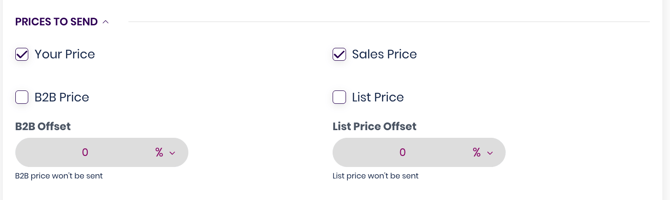
This section allows you to choose which price fields Trellis will push to Amazon:
- Your Price
- Sale Price
- Business (B2B) Price
- List Price
You can also apply offsets to the List Price or B2B Price.
Common examples:
- –5% offset for B2B pricing
- +10% offset for List Price
Offsets ensure your additional price fields maintain a consistent relationship to your primary price.
Advanced Settings
These settings should only be modified when there is a specific business requirement.
In most cases, the default configuration should remain unchanged. Please speak to your Customer Success Representative before any adjustments are made.
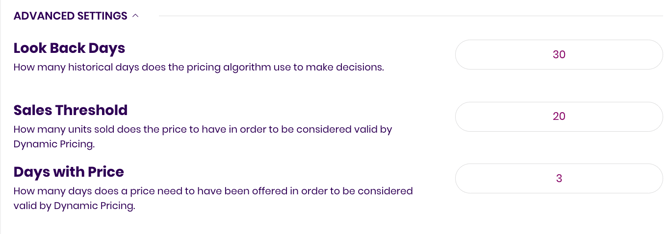
Lookback Days
Controls how many historical days the algorithm uses when analyzing performance and setting price.
Example use case: A strongly seasonal product may require 365 days of historical data for proper pricing context.
Sales Threshold
Sets the minimum number of sales required before Trellis begins adjusting price.
This should rarely be modified.
Days With Price
Defines how many days Trellis waits after making a price change before making another adjustment.
The recommended setting is 3 days.
Adjust only if you have a strategic need for faster or slower price changes.
Video Walkthrough - Dynamic Pricing Advanced Configuration Settings